

Delete your account
Before deleting your account
- If you only want to stop receiving emails, change the communication language or adjust your notifications from My account.
- If you are the admin of an active league, consider transferring admin to another participant first — when your account is deleted, the next-joined participant automatically inherits the admin role.
- If you paid for a Pro / ProX league, that league is not refunded when you delete your account.
Steps to delete your account
- Open Footzil and sign in.
- Click your avatar → My account.
- Scroll to the Delete account section (at the bottom).
- Type the exact confirmation phrase:
deleting-my-account. - Confirm your password.
- Click Delete my account.
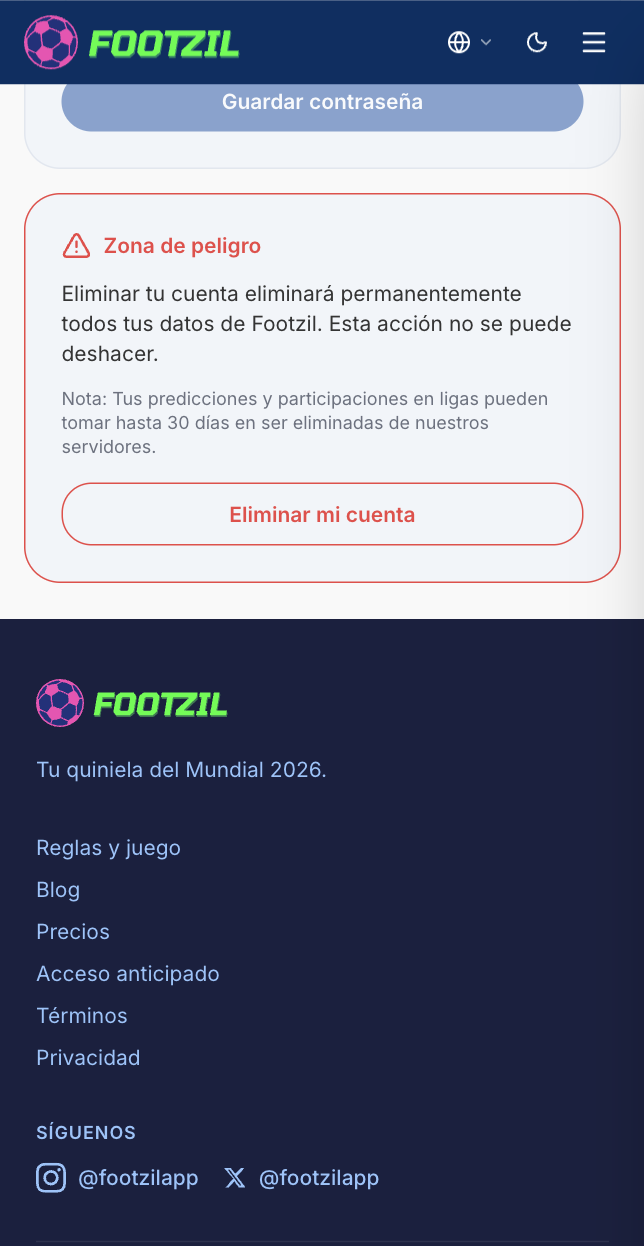
Your account and all your data are deleted immediately. The leagues you participated in still exist, but your name disappears from the leaderboard.
Go to My account