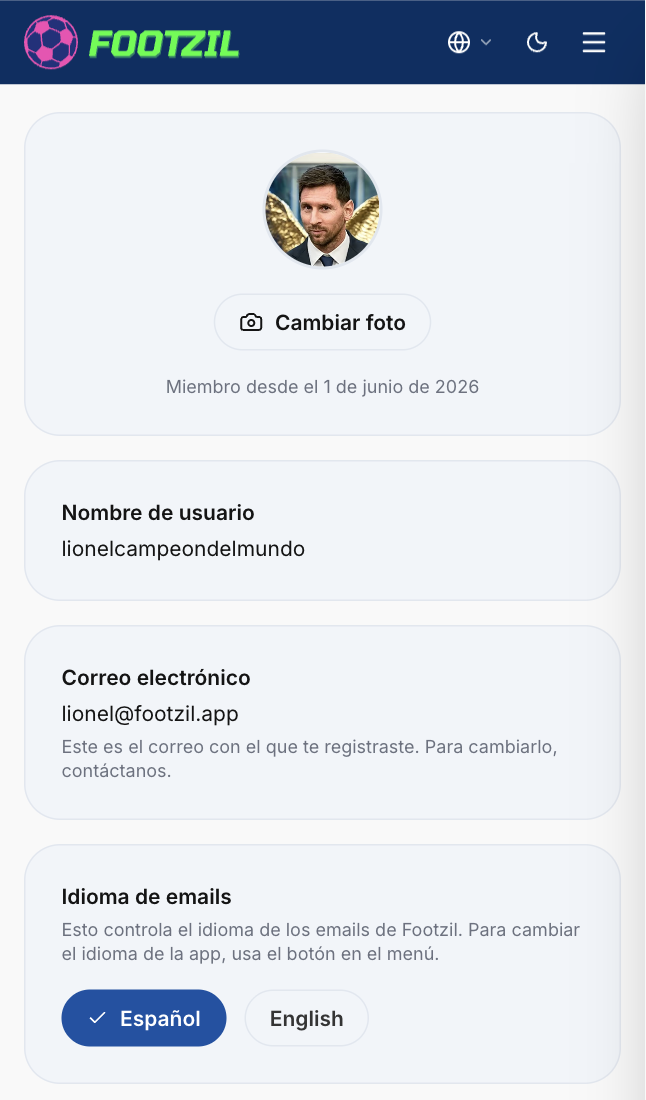
Communication language
Footzil supports two languages: Spanish (MX)/Spanish (EC), and English. The language you pick applies to the emails we send you (invitations, reminders, results) but the app’s language is a separate configuration which you can change from the app’s header or menu at any time.
Steps to change your language
- Open Footzil and sign in.
- Click your avatar → My account.
- Find the Communication language section.
- Pick the language you want and save.