

Delete a league
Steps to delete a free league
- Open the league you want to delete from your Dashboard.
- Click Settings (gear icon).
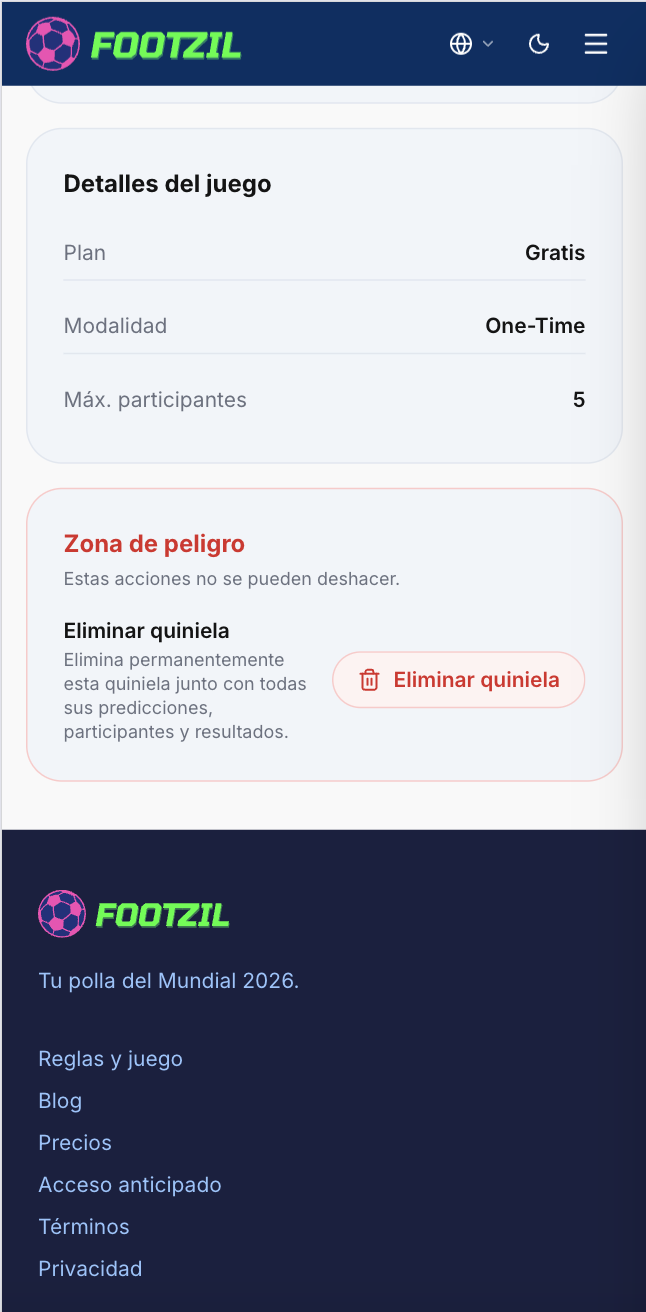
- Scroll to the Danger zone section.
- Click Delete league.
- Type the exact league name to confirm.
- Confirm.
What happens when you delete?
- All predictions from every participant are deleted.
- All points and leaderboard standings are deleted.
- Participants lose access to the league.
- The invite code and link stop working.