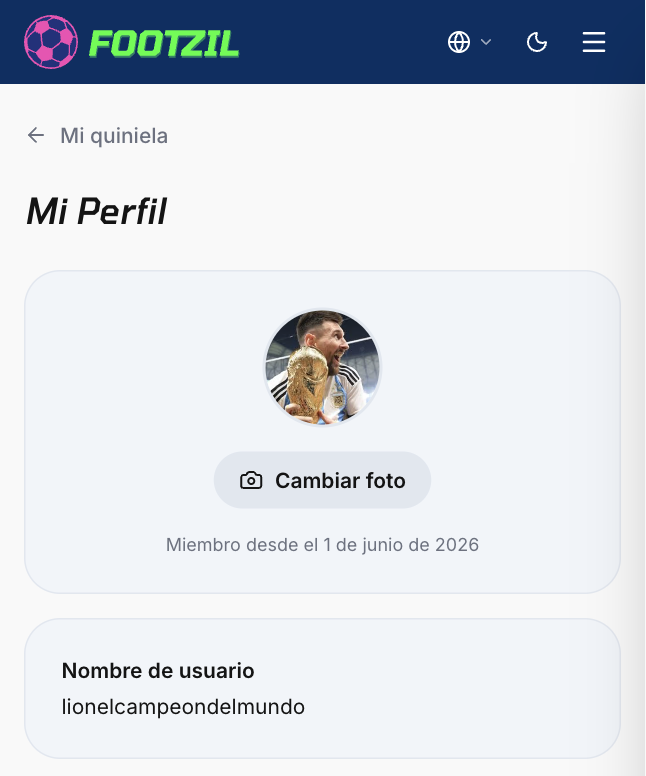
Change profile icon
Your profile icon shows up next to your name on the leaderboard, the rankings, and the invitations you send to other players.
Steps
- Open Footzil and sign in.
- Click your avatar → My account.
- In the Profile picture section, click Change photo.
- Upload an image in JPG, PNG, or WebP format (max 5 MB).
- Crop the area you want to show and save.