

Change password
You can change your password from your profile at any time.
Steps
- Open Footzil and sign in.
- Click your avatar in the top-right corner → My account.
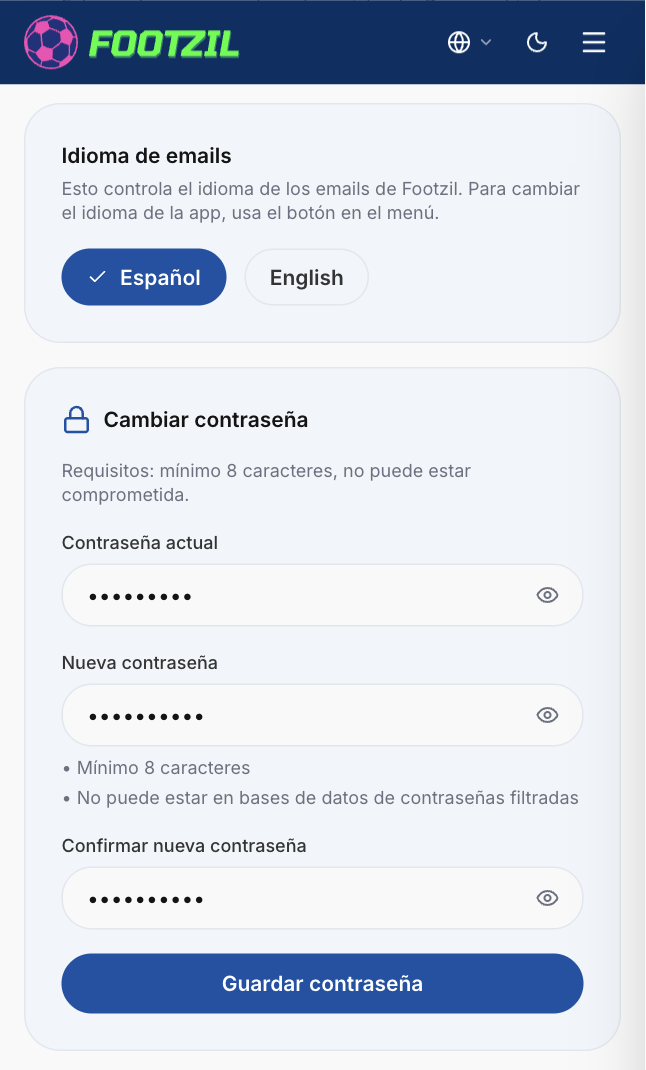
- Find the Password section and click Change password.
- Enter your current password and then your new password (minimum 8 characters).
- Confirm. Your session stays active after the change.
Forgot your password?
On the sign-in screen, click Forgot your password? and follow the steps to receive a recovery code in your email.
Go to My account